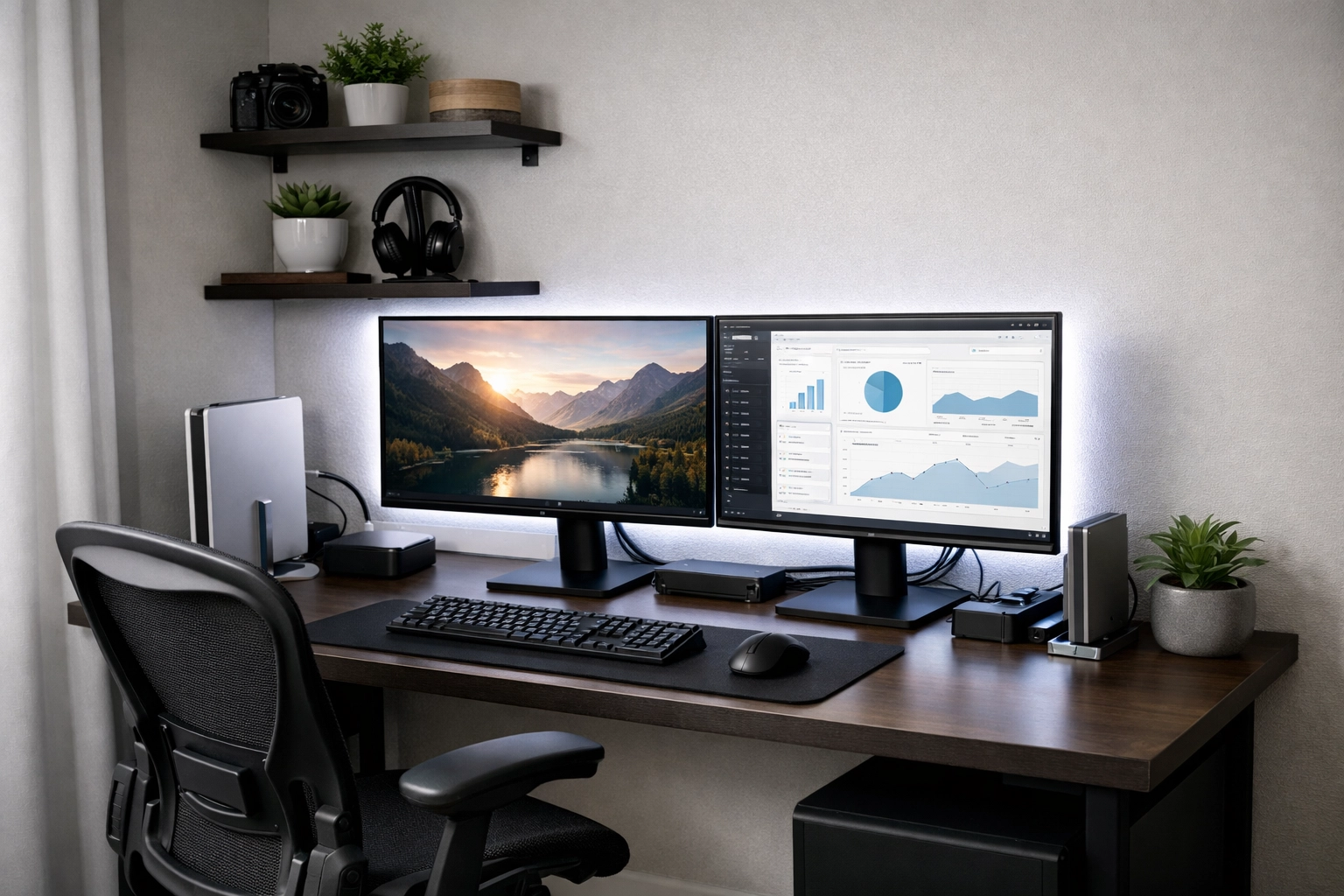
Most people look at a 50-square-foot room and see a walk-in closet or a storage nook. When you’re trying to run a business, edit 4K video, or manage a complex digital workflow, that tiny footprint feels less like a room and more like a constraint. But here’s the reality of the modern remote work era: space is a luxury, but efficiency is a choice.
Turning a micro-space into a high-tech powerhouse isn’t just about buying smaller gear. It’s about a fundamental shift in how you perceive your environment. We’re talking about "Cloffices," ultra-compact studios, and the art of vertical engineering. If you have 50 square feet: roughly a 5×10 or 7×7 area: you have enough room to build a world-class production suite. You just have to be smarter than the square footage.
The 50-Square-Foot Mindset: Brutal Curation
Before you buy a single monitor arm, you have to accept the "one-in, one-out" rule. In a space this small, there is no room for "maybe" items. Every piece of hardware, every cable, and every piece of furniture must justify its existence.
In a standard office, a printer might sit on a side table. In a 50-square-foot studio, that printer is a space-hogging relic. High-tech productivity in small quarters relies on digital-first workflows. If it doesn’t help you create, manage, or communicate, it doesn't belong in the room. This brutal curation is what separates a cluttered closet from a streamlined cockpit.
My Take: “Less but Better” Is a Productivity Philosophy, Not a Decor Trend
My personal opinion: “Less but Better” is the only philosophy that consistently works in a tiny home office—because it forces you to stop treating your workspace like a storage unit and start treating it like a tool.
Here’s what “Less but Better” looks like when you’re serious about output:
- Fewer objects, higher performance: one excellent chair beats three “space-saving” stools; one dependable monitor arm beats a desk full of stands and risers.
- Fewer decisions per hour: when everything you need is visible, labelled, and has a home, you don’t burn mental energy “re-finding” your workflow.
- Fewer failure points: less gear usually means fewer adapters, fewer cable runs, fewer power bricks, and fewer weird issues that kill momentum.
The trap in small rooms is thinking minimalism means cheap or empty. In practice, it’s the opposite: you’re curating a small set of high-leverage tools that earn their footprint every single day. If an item doesn’t improve comfort, speed, quality, or reliability, it’s not “nice to have”—it’s friction.
Engineering the Vertical Plane
When you run out of floor space, you still have eight feet of vertical potential. Most people ignore the walls, but in a micro-studio, the walls are your best friend.
Wall-Mounted Hardware
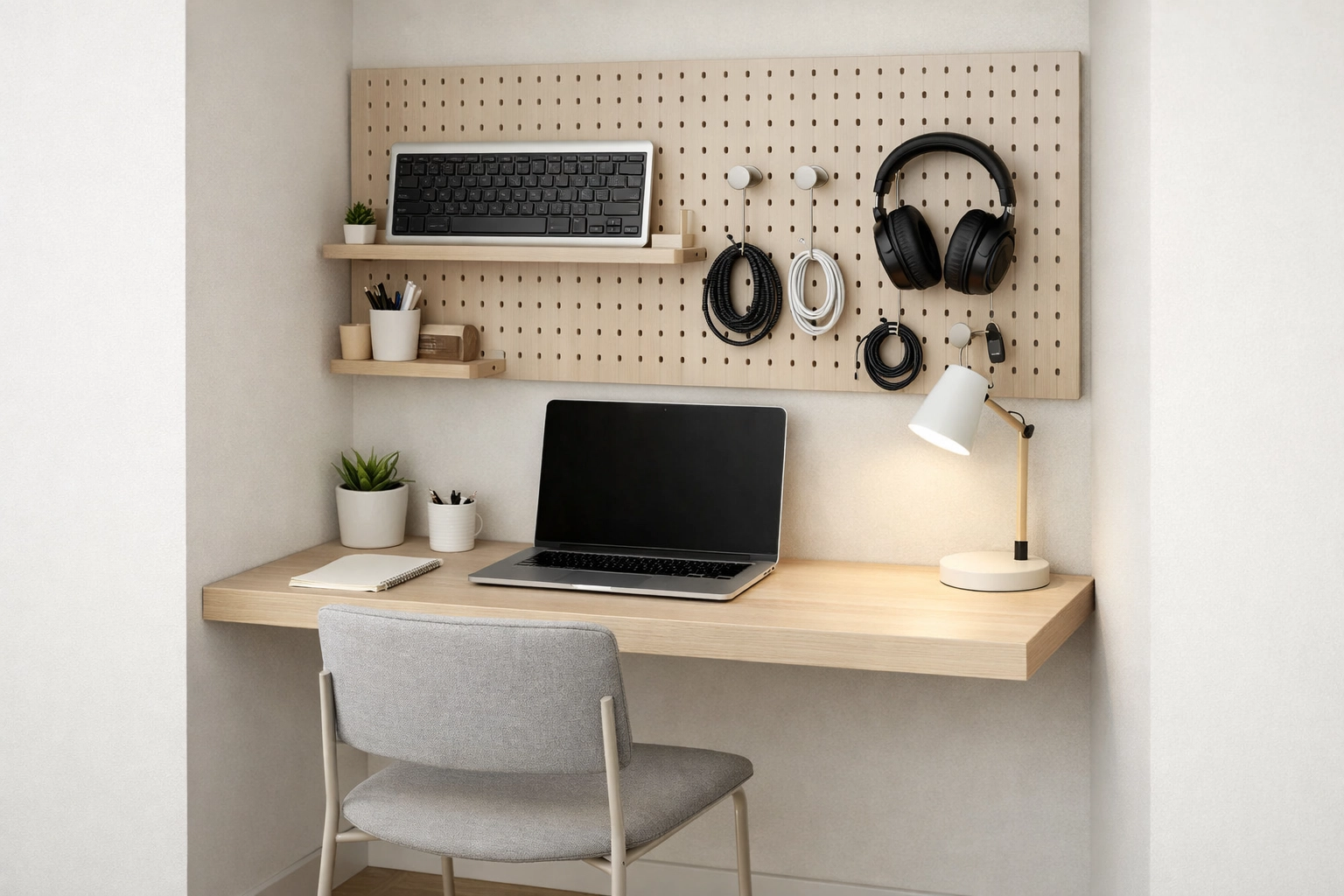
Standard desks are the enemy of small spaces because their legs consume valuable floor real estate. A wall-mounted floating desk or a heavy-duty folding surface can reclaim inches that make the room feel significantly larger. By mounting your workstation directly to the studs, you open up the floor for a high-quality ergonomic chair to move freely.
Pegboards and Slatwalls
Forget drawers. In a 50-square-foot space, digging through a drawer is a physical chore. Use a modular pegboard system (like the IKEA Skådis or industrial metal versions) to keep your headphones, keyboards, cables, and tablets visible and within arm's reach. This isn’t just about organization; it’s about "visual ergonomics." When you can see your tools, you spend less time searching and more time doing.
The High-Tech Engine: Choosing the Right Hardware
You cannot put a full-tower PC case in a 50-square-foot room without it becoming a space heater. The hardware choices you make for a micro-studio need to prioritize power-to-size ratios and heat management.
The Rise of the Mini-PC and Laptop Dock
Modern Mini-PCs (like the Mac Studio or high-end NUCs) offer workstation-grade performance in a footprint smaller than a lunchbox. Alternatively, a high-spec laptop paired with a Thunderbolt 4 docking station allows you to have a single-cable setup. When you leave the studio, you take your work with you; when you arrive, one plug connects you to your monitors, audio interface, and peripherals.
Monitor Arms: The Ultimate Space Saver
If your monitor is sitting on its factory stand, you are wasting about 15% of your desk surface. A gas-spring monitor arm allows you to suspend your screen in mid-air, clearing the space beneath for your keyboard or a dedicated macro pad. In a small space, being able to push your monitor back against the wall or pull it forward for deep-focus work is a game-changer.
| Component | Small-Space Recommendation | Benefit |
|---|---|---|
| Computer | Mini-PC or Laptop Dock | Minimal footprint, low heat. |
| Audio | Near-field monitors or IEMs | Reduces acoustic treatment needs. |
| Input | 65% or TKL Mechanical Keyboard | Saves 4-6 inches of horizontal space. |
| Lighting | Monitor Light Bar | Replaces bulky desk lamps. |
Lighting and Atmospheric Control
Small spaces can quickly feel claustrophobic or "dungeon-like" if the lighting is poor. Standard overhead lighting is usually too harsh and creates shadows exactly where you don’t want them.
Smart Lighting and Color Temperature
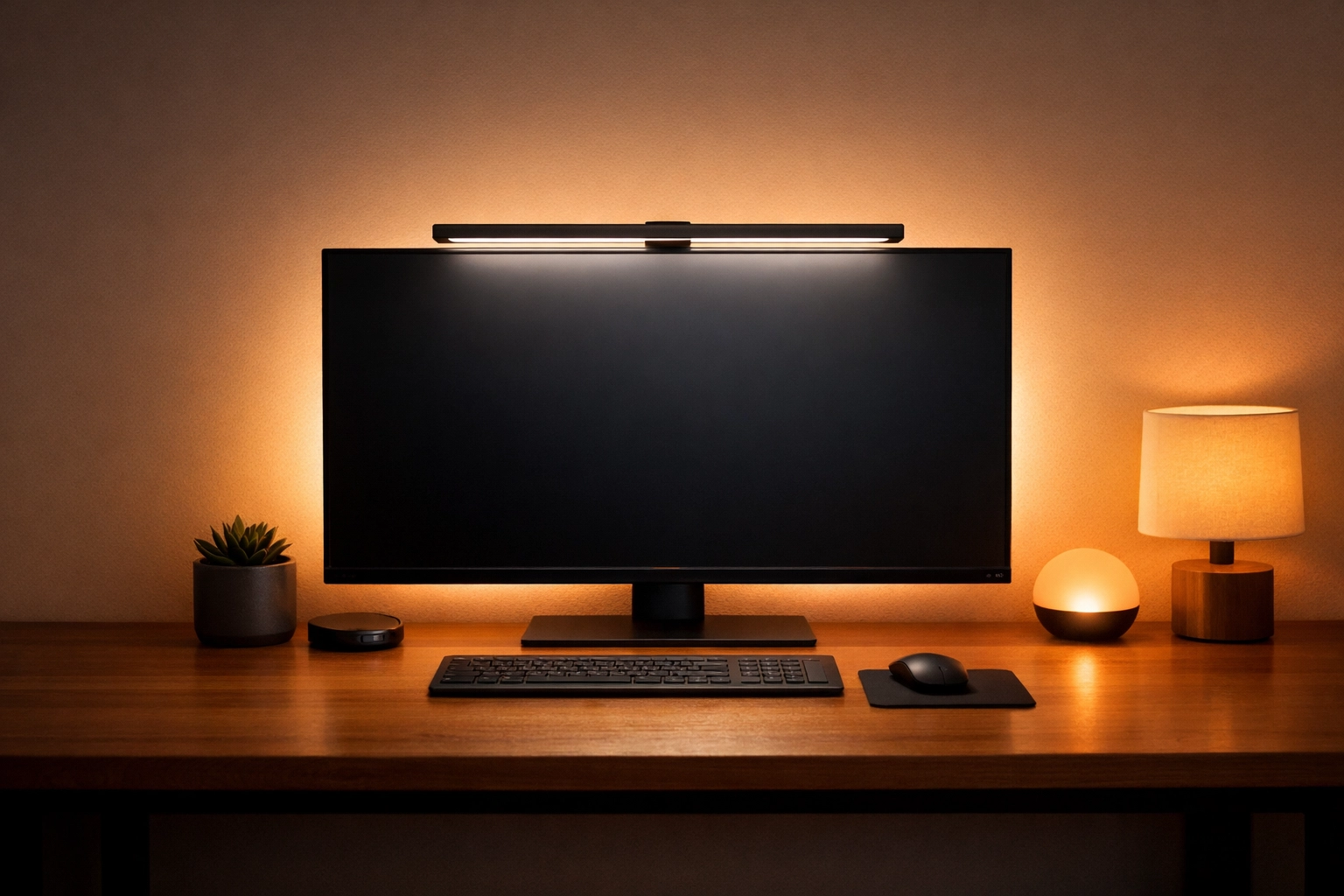
Use smart bulbs to shift the color temperature throughout the day. Cool white during the morning for focus, and warm amber in the evening to wind down. Because the walls are close to you, the "bounce" from these lights will fill the room effortlessly.
The Monitor Light Bar
A monitor light bar sits on top of your screen and illuminates your workspace without reflecting off the glass. This eliminates the need for a desk lamp, freeing up even more surface area. It’s a high-tech solution to an age-old problem: how to see your work without the clutter.
Managing the "Technical Noise"
In a tiny studio, cable clutter isn't just an eyesore; it’s a physical hazard. When cables are tangled around your feet in a 5×10 room, the space feels chaotic.
- Under-Desk Cable Trays: Use J-channels or wire baskets to keep every power brick and USB cable off the floor.
- Wireless Peripherals: While some purists demand wired connections, modern wireless keyboards and mice are indistinguishable in performance for 99% of tasks. Reducing the number of wires crossing your desk reduces visual noise.
- Acoustic Treatment: Small rooms are notorious for "boxiness" and echoes. You don’t need to cover every inch in foam. Focus on the "first reflection points": the spots on the walls to your left and right where sound from your speakers hits first. A few high-density acoustic panels can make a 50-square-foot room sound like a professional recording booth.
Ergonomics in a Closet-Sized Space
You might be tempted to use a small stool or a folding chair to save space. Don't. If you are spending 8–10 hours a day in a micro-studio, your chair is the most important piece of tech you own.
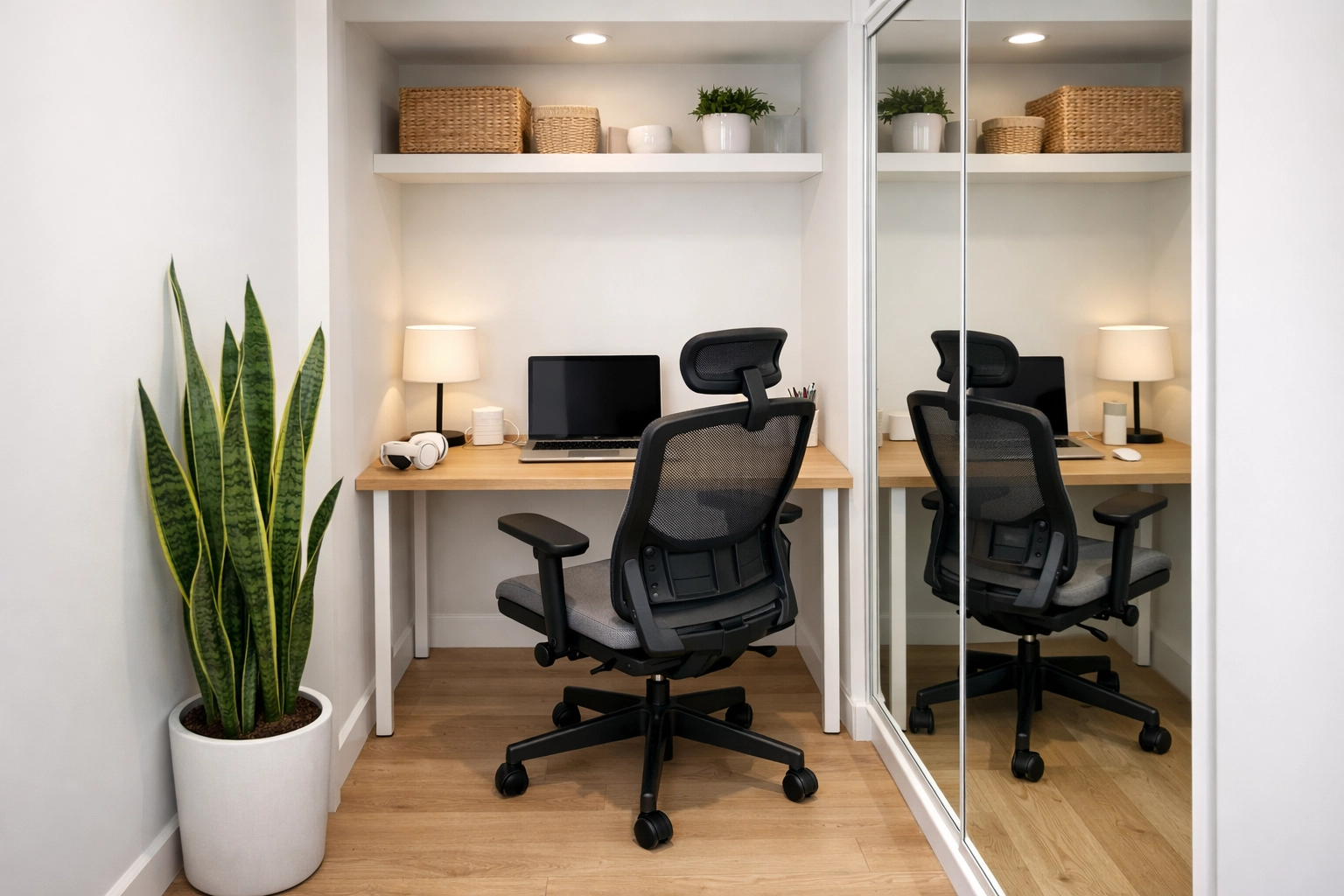
Look for a high-performance ergonomic chair with a smaller overall frame. Many premium chairs have "low-back" options or streamlined bases that fit perfectly into tight nooks. The goal is to ensure that even though the room is small, your body isn't cramped.
The Standing Desk Hybrid
If you have the vertical clearance, a small-footprint standing desk converter can provide the health benefits of standing without requiring a massive motorized desk. Some models are designed specifically for 30-inch wide surfaces, making them perfect for 50-square-foot layouts.
Staying Productive in a Micro-Environment
The psychological aspect of working in a small space is often overlooked. To stay productive, you need to "expand" the room mentally.
- Mirrors: A well-placed mirror on the wall opposite your desk can visually double the depth of the room. It sounds like a decor trick, but it significantly reduces the feeling of being "closed in."
- Minimalist Software UI: When your physical space is small, keep your digital space clean. Use "Focus Modes" and minimalist desktop setups to keep your brain from feeling cluttered.
- Air Quality: Small rooms get stuffy fast. High CO2 levels can tank your productivity. A small HEPA air purifier or even a single high-oxygen plant can keep the air fresh and your brain sharp.
Case Study: A Tiny-Space Upgrade That Actually Changed the Work
To make this real, here’s a case study-style breakdown of a transformation I’ve seen play out with a lot of remote pros.
Professional: Thandi, freelance video editor + brand designer
Space: a 1.2m x 1.5m (about 6 ft x 5 ft) corner in a rented apartment (no drilling allowed at first)
Main problem: great skills, inconsistent output—because setup time was eating her best hours
The “Before” (Typical Tiny-Space Failure Mode)
- Laptop on a small kitchen table.
- External drive + dongles piled on the right side.
- One overhead light = glare + eye fatigue.
- Cables on the floor = constant unplugging / reconnecting.
- No consistent place for gear, so every session started with a mini clean-up.
Result: She could do the work, but she couldn’t start fast. And in creative work, starting fast is everything.
The “Less but Better” Fix (What Changed)
She set a rule: every item must either increase comfort, increase speed, or increase quality—otherwise it gets removed.
1) One surface, one purpose
- She replaced the table with a narrow desk (about 100–120cm wide) and banned non-work items from it.
- Work stayed “loaded” (keyboard/mouse/monitor always in place), so she could sit down and start.
2) One screen becomes two—without eating desk space
- She added a single monitor on a clamp arm.
- The laptop went on a vertical stand to free horizontal space.
3) Cable control became a “system,” not a weekend project
- Under-desk tray + adhesive cable clips.
- One power strip mounted under the desk.
- Everything labelled once (charging cable, audio cable, monitor power).
This reduced the “technical noise” and made problems easy to diagnose.
4) Lighting upgrade for focus
- A monitor light bar for the workspace.
- A small bias light behind the screen for softer contrast at night.
5) Audio choice that matched the room
- Instead of fighting room acoustics, she used good IEMs and reserved speakers for occasional review.
The Outcome (Practical, Measurable Wins)
Within two weeks, she reported:
- Faster start-up: from ~15 minutes of setup/cleanup to under 2 minutes.
- Longer deep-work blocks: fewer interruptions from discomfort and clutter.
- Cleaner output: better color decisions and fewer “late-night” mistakes because lighting was consistent.
- Less mental fatigue: the space stopped feeling like a compromise and started feeling like a studio.
The interesting part: she didn’t “add” a lot. She mostly subtracted randomness and upgraded the few pieces that mattered.
Final Thoughts: The Studio of the Future
The trend toward micro-living and remote work means the 50-square-foot studio is becoming a standard, not an exception. By utilizing vertical space, choosing compact but powerful hardware, and obsessing over cable management, you can create a workspace that rivals any corporate office.
If you want to keep optimizing the full workflow around your space (not just the furniture), these two guides pair well with a micro-studio setup:
You don't need a sprawling corner office to do big things. You just need a high-tech studio that works as hard as you do, even if it fits inside a closet.
Why Trust This Information?
I’m Malibongwe Gcwabaza, the CEO of blog. I write from hands-on experience building practical, tech-driven workflows for small spaces—where ergonomics, cable management, lighting, and reliable “no-fuss” systems matter more than trendy gear.
When I recommend something in a setup like this, it’s based on what consistently improves:
- Speed to start (how quickly you can sit down and get into deep work)
- Focus (less clutter, fewer interruptions, fewer “where’s that cable?” moments)
- Comfort over long sessions (because a tiny studio gets uncomfortable fast if you cut corners)
About the Author: Malibongwe Gcwabaza
Malibongwe Gcwabaza is the CEO of blog. With a deep passion for digital efficiency and modern workspace design, Malibongwe focuses on how technology can bridge the gap between creative vision and physical constraints. Under his leadership, blog explores practical strategies for productive, high-performance digital work.
About the Author