
By March 2026, the "remote study" trend has evolved from a temporary necessity into a permanent competitive advantage. Whether you are pursuing an AI-powered Digital Marketing certificate from an IIM or completing a technical bootcamp, your physical environment is the silent partner in your academic success. Most people treat their home office as a place to sit; high-performers treat it as a cognitive laboratory designed to minimize "friction" and maximize "flow state."
Cognitive Load Theory suggests that our brains have a limited amount of working memory. Every minor annoyance: a flickering light, an uncomfortable chair, or a laggy internet connection: acts as a "tax" on your brainpower. To excel in online education, you need a setup that automates physical comfort so your mental energy can stay focused on complex subject matter.
1. The Ergonomic Architecture: Beyond the Basic Chair
The most expensive online degree in the world won’t help you if you’re sidelined by cervicogenic headaches or repetitive strain injury (RSI). In 2026, ergonomics is no longer just about a "good chair"; it’s about dynamic movement.
The Dynamic Seating Strategy
Static posture is the enemy of focus. Research in kinesiopathology shows that blood flow to the brain decreases after just 20 minutes of sitting still.
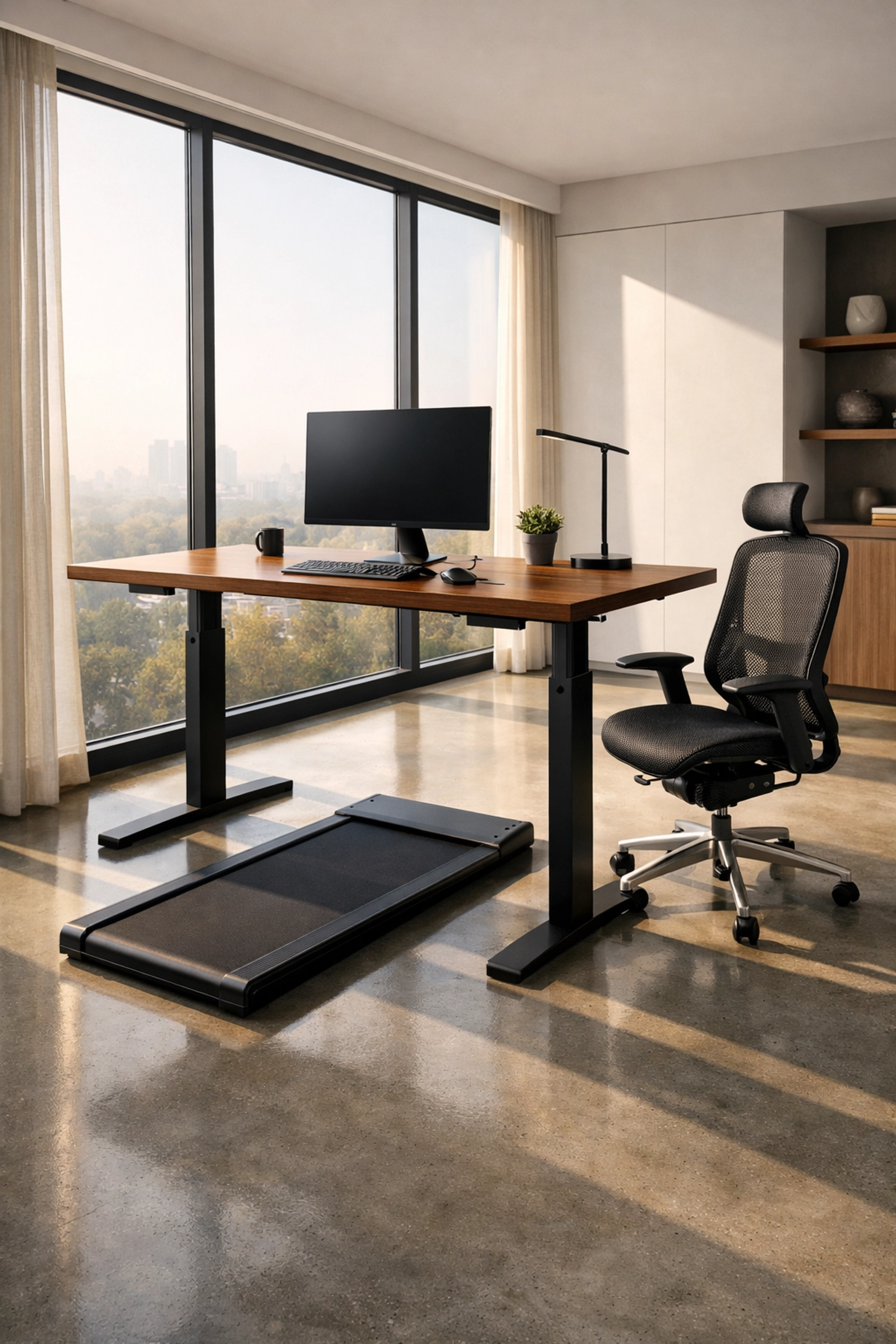
- The Task Chair: Look for a chair with "synchro-tilt" mechanisms. This allows the backrest and seat to move independently at a 2:1 ratio, keeping your feet flat while opening up your hips.
- The Standing Desk: A motorized sit-stand desk is non-negotiable for 1,000+ hour study programs. Set your desk height so your elbows are at a 90-to-100-degree angle. In 2026, many students use "under-desk pads" (compact treadmills) to maintain a low-intensity zone 1 heart rate during passive video lectures, which has been shown to improve retention by up to 15%.
The 90-90-90 Rule
Ensure your setup maintains three 90-degree angles: your ankles, your knees, and your hips. Your monitor should be positioned so the top third of the screen is at eye level, preventing "tech neck": a condition that adds up to 60 pounds of pressure on your cervical spine when leaning forward.
2. The Visual Ecosystem: Optimizing for "Deep Work"
Online learning requires massive amounts of "context switching": toggling between a video lecture, a coding IDE, and a digital textbook. A single laptop screen is a productivity bottleneck.
Screen Real Estate and GEO Compatibility
With the rise of Generative Engine Optimization (GEO) and AI-driven research, you need space to view AI chat interfaces alongside your primary work.
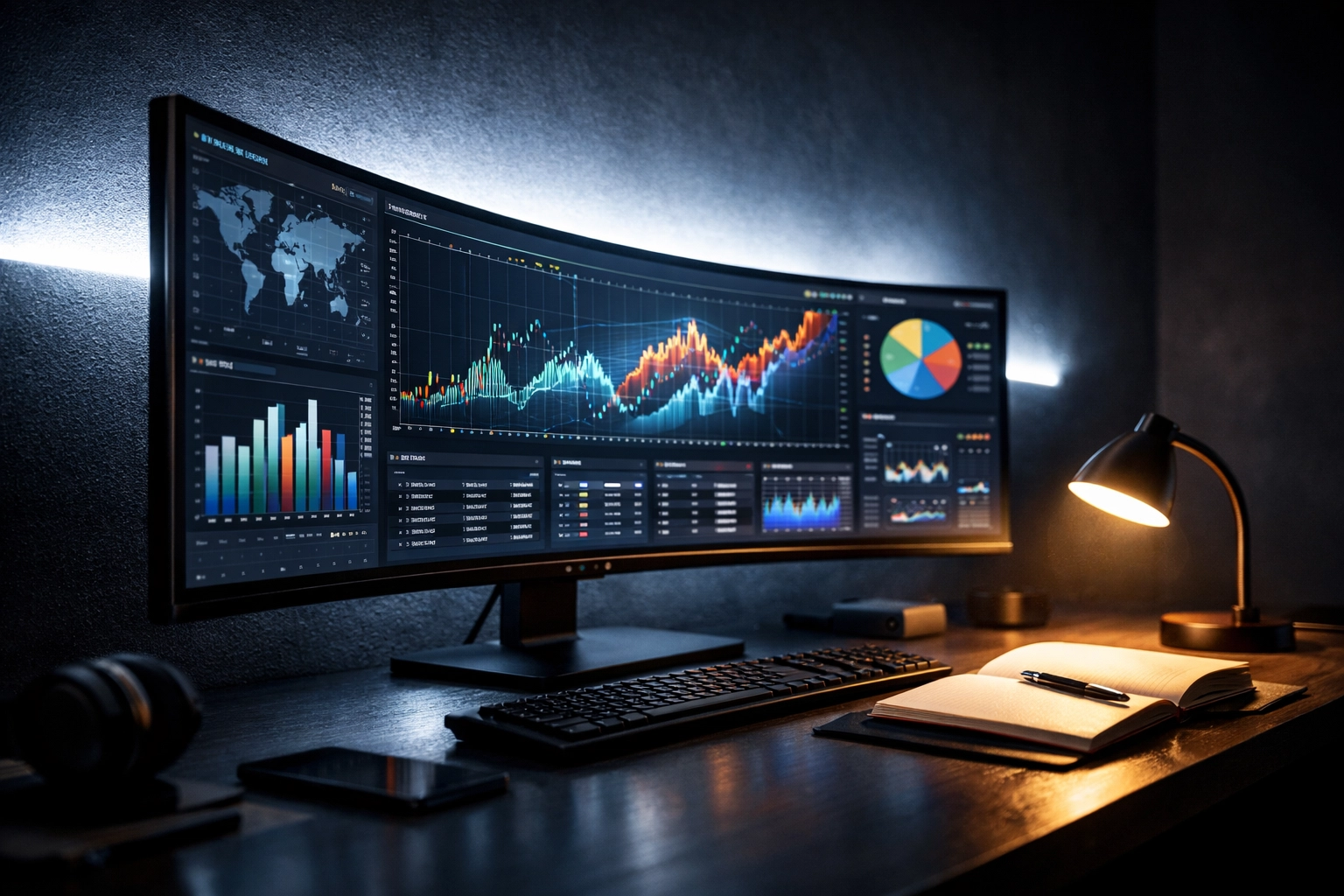
- The Ultrawide Advantage: A 34-inch or 49-inch ultrawide monitor allows you to have three full-sized windows open side-by-side.
- Refresh Rates and Eye Strain: For text-heavy learning, aim for a monitor with at least a 120Hz refresh rate. While often marketed to gamers, higher refresh rates reduce the "ghosting" of text when scrolling, significantly lowering ocular fatigue during long reading sessions.
Lighting and Circadian Alignment
Light is a biological trigger. To maximize alertness, your setup should utilize the Kelvin scale:
- Daytime (4000K – 6500K): Use "cool white" or natural daylight to suppress melatonin and keep cortisol levels at an optimal "alert" state.
- Evening (2700K – 3000K): If you study at night, switch to "warm" tones.
- The Bias Lighting Hack: Place an LED strip behind your monitor (6500K). This reduces the contrast between the bright screen and the dark wall behind it, preventing the "dark room headaches" common among late-night students.
3. The Acoustic Shield: Engineering Silence
In a home environment, "noise" isn't just loud sounds; it's the cognitive interruption of a barking dog or a humming refrigerator.
Passive vs. Active Isolation
- Acoustic Treatment: If your room echoes, your brain works harder to process audio. Adding a few hexagonal foam panels or even a thick rug can dampen "flutter echo," making online lectures sound clearer.
- The Hardware Solution: Invest in high-fidelity headphones with Active Noise Cancellation (ANC). By 2026, ANC technology can specifically target human speech frequencies, effectively "muting" the rest of your household.
- The "Deep Work" Soundscape: Use specialized audio apps that provide "Brown Noise" or "Alpha Wave" frequencies. Unlike music with lyrics, which competes for the language-processing centers of your brain, these soundscapes provide a "blanket" of sound that encourages neural synchronization.
4. Hardware and Connectivity: The 2026 Tech Stack
You cannot learn at the speed of light if your Wi-Fi is stuck in 2018. As online degrees move toward VR/AR integrations and high-bandwidth AI simulations, your backend infrastructure matters.
Wi-Fi 7 and Latency
If you are taking a live exam or a high-stakes certification, latency (ping) is more important than raw download speed.
- Hardwired Ethernet: Whenever possible, run a Cat6e or Cat8 cable directly to your desk.
- Wi-Fi 7 Routers: In 2026, Wi-Fi 7 is the standard, offering Multi-Link Operation (MLO) which reduces interference in crowded apartment buildings.
Peripherals That Reduce Friction
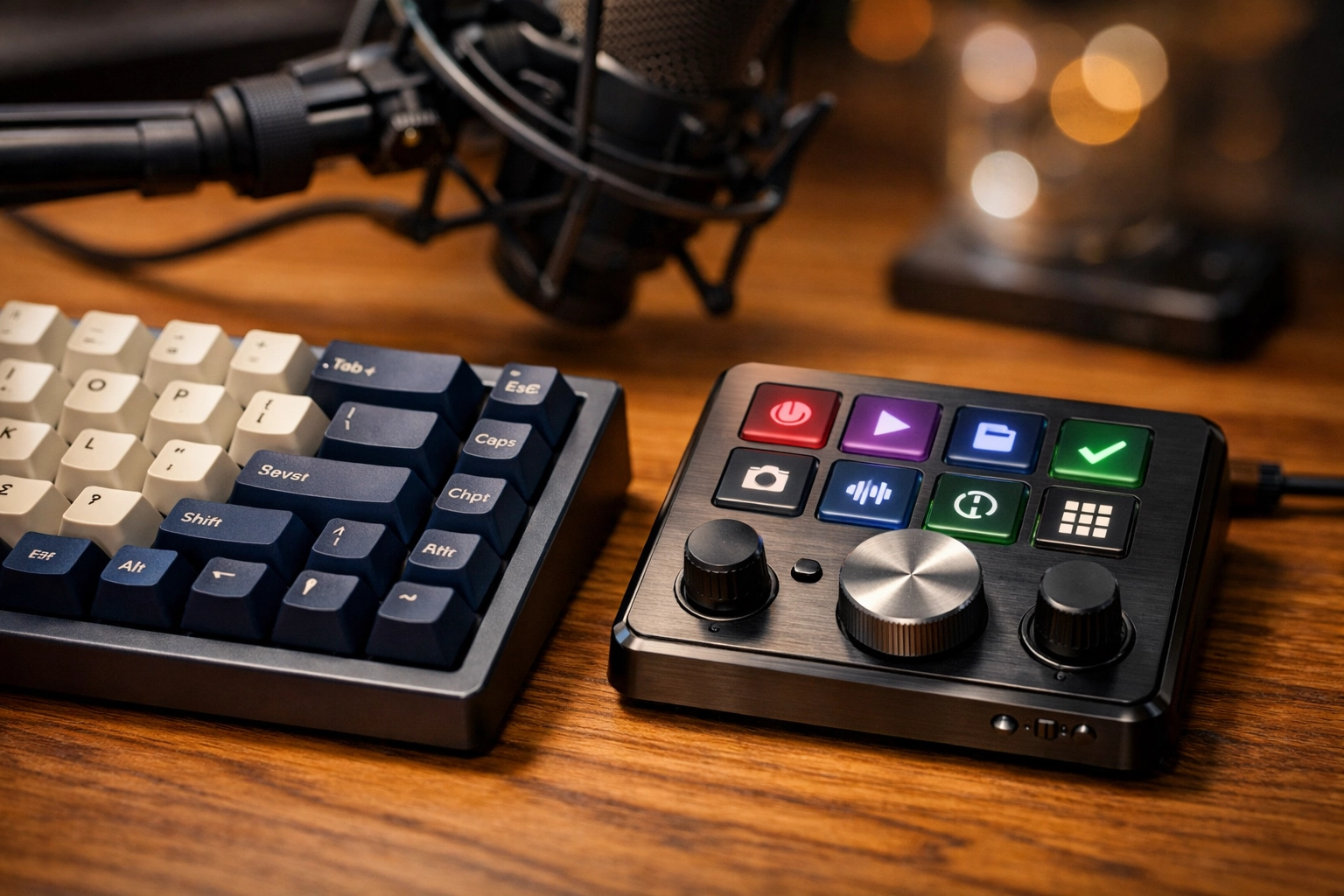
- Mechanical Keyboards: Switching to a mechanical keyboard with tactile switches (like Cherry MX Browns) provides haptic feedback that can actually increase typing speed and accuracy for long essays.
- Programmable Macros: Use a "Stream Deck" or programmable mouse buttons to automate repetitive tasks, such as opening your university portal, launching your "Study" Spotify playlist, and muting your microphone with a single tap.
5. The Psychological Environment: Creating a "Learning Anchor"
Your brain is a pattern-recognition machine. If you study in bed, your brain associates that space with sleep, leading to grogginess. You need to create "Environmental Anchors."
The "No-Phone" Zone
Data from the Journal of the Association for Consumer Research shows that even the mere presence of a smartphone on a desk: even if it's turned off: reduces cognitive capacity. Create a dedicated "docking station" for your phone in a completely different room during study hours.
Biophilia and Oxygenation
Indoor air quality directly impacts decision-making. High CO2 levels in small, unventilated home offices can lead to a 15% drop in cognitive scores.
- Plants: Adding a Snake Plant or Peace Lily isn't just for aesthetics; they help scrub VOCs (Volatile Organic Compounds) from the air.
- Air Purifiers: Use a HEPA filter with a carbon layer to ensure you are breathing fresh air, keeping your brain oxygenated and alert.

6. The "Living Resume" Station
Since 2026 has seen a shift toward "Living Resumes" and video-based applications, your home office doubles as your recording studio.
- The Camera: A 4K webcam is now the minimum for professional credibility.
- The Background: Keep it minimalist. A bookshelf with relevant industry titles creates an immediate "Halo Effect," signaling to recruiters or professors that you are deeply embedded in your field of study.
Summary Checklist for the Ultimate Setup
- Desk: Motorized sit-stand with at least 60 inches of width.
- Chair: Ergonomic task chair with adjustable lumbar and 4D armrests.
- Monitor: 34” Ultrawide (144Hz) at eye level.
- Audio: ANC Headphones + Dedicated cardioid microphone for clear participation.
- Lighting: 6500K task lamp for focus; 2700K ambient light for relaxation.
- Connectivity: Wi-Fi 7 or Cat6e Ethernet.
By investing in these technical and physical foundations, you aren't just buying furniture: you are optimizing your brain's hardware to handle the software of modern education.
About the Author: Malibongwe Gcwabaza
CEO, blog and youtube
Malibongwe Gcwabaza is a visionary leader in the digital education space, specializing in how emerging technologies like AI and GEO are reshaping the global workforce. With a background in tech infrastructure and a passion for lifelong learning, Malibongwe focuses on providing actionable, data-driven insights to help professionals navigate the complexities of the 2026 career landscape. Under his leadership, "blog and youtube" has become a premier destination for high-quality, technical content that empowers the next generation of digital experts.
About the Author