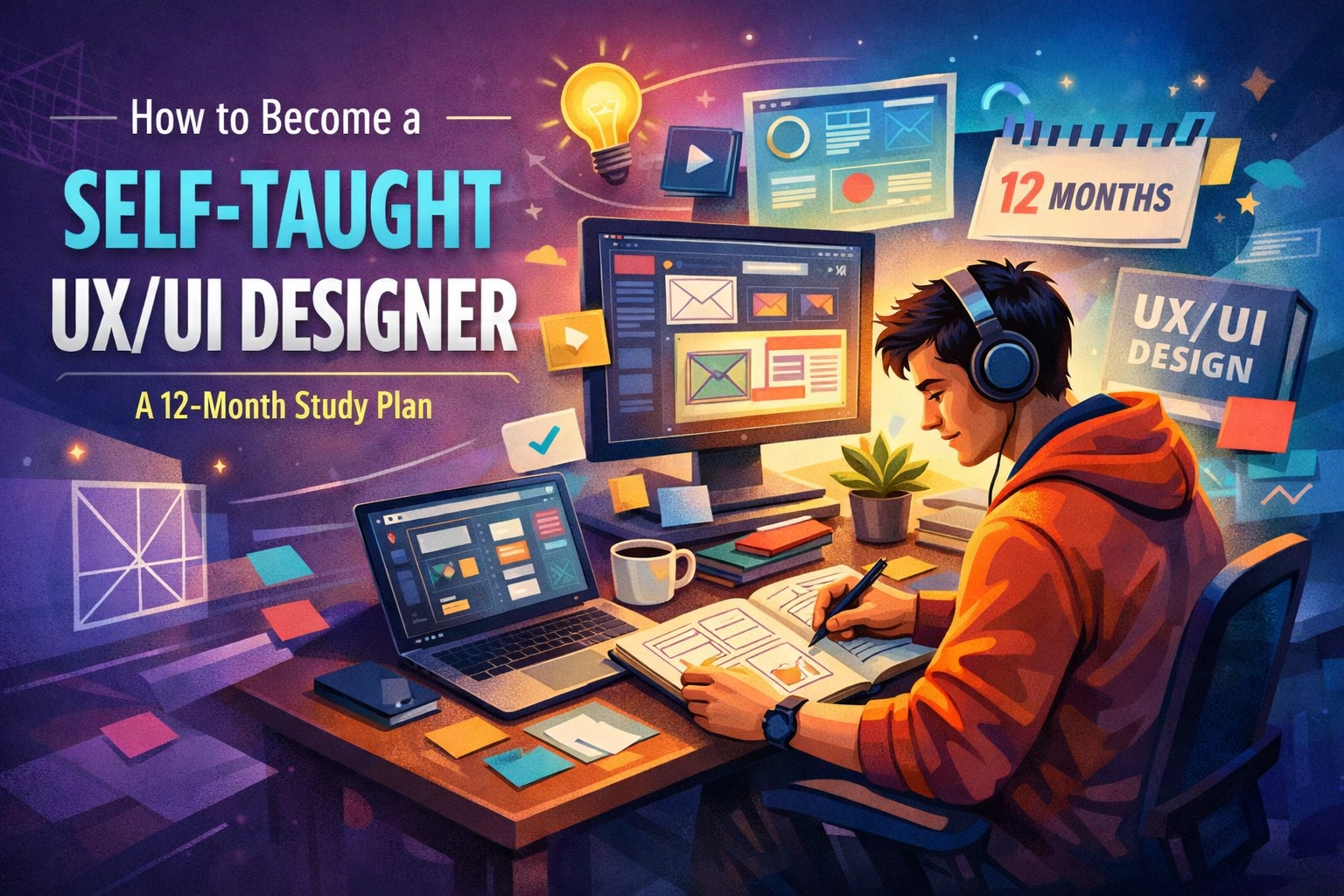
The barrier to entry for UX/UI design has shifted dramatically in 2026. While the "gold rush" of the early 2020s allowed many to land roles with a 3-month bootcamp certificate, today’s market demands a deeper, more technical understanding of how humans interact with digital systems. With the rise of Generative UI and spatial computing, being a designer now means being part psychologist, part systems architect, and part technologist.
If you are choosing the self-taught route, you aren't just looking for a "how-to" guide; you need a rigorous, high-level curriculum that rivals a Master’s degree. This 12-month plan is designed to take you from zero to a job-ready professional by focusing on first principles, advanced tooling, and the "AI-augmented" workflow that modern tech companies expect.
Month 1-2: Cognitive Foundations and the Psychology of Interaction
Before you touch a single pixel, you must understand the "why" behind human behavior. Design is not art; it is a solution to a problem framed within the constraints of human cognition.
Core Objectives:
- Master the Laws of UX: Study the psychological principles that govern user behavior. This includes Hick’s Law (the time it takes to make a decision increases with the number and complexity of choices), Fitts’s Law, and the Zeigarnik Effect.
- The Design Thinking Framework: Move beyond the surface level. Deep dive into the Double Diamond model: Discover, Define, Develop, and Deliver.
- Ethical Design & Dark Patterns: In 2026, ethics are a technical requirement. Learn how to identify and avoid manipulative design patterns that compromise user trust.
Practical Exercise: Spend month two performing "Audit Deconstructions." Take three popular apps (e.g., Airbnb, Notion, or a local banking app) and write a 2,000-word critique of their UX using formal psychological principles. Don't just say "it looks good": explain why the information architecture reduces cognitive load.

Month 3-4: The Technical Stack (Beyond the Basics)
By month three, you need to live and breathe in Figma. However, knowing how to draw a rectangle isn't enough. You need to understand Systems Design.
Core Objectives:
- Advanced Figma Proficiency: Master Auto Layout 5.0, Variables, and Component Properties. You should be able to build a responsive navigation bar that works across mobile, desktop, and ultra-wide screens using a single component.
- Design Systems: Study the documentation of Material Design 3, Apple’s Human Interface Guidelines, and IBM Carbon. Understand how "atomic design" works: atoms, molecules, organisms, templates, and pages.
- Accessibility (WCAG 3.0): Learn the technical specs of accessibility. This isn't just about color contrast; it's about screen reader compatibility, focus states, and haptic feedback design for inclusive interfaces.
Data Insight: A 2025 industry report indicated that 84% of Design Lead interviews now include a "technical Figma test" focusing specifically on how scalable and "dev-ready" your files are.
Month 5-6: Visual Theory and Spatial Interfaces
Now that you have the logic and the tools, you need the "UI" (User Interface) polish. 2026 is the year of Multi-modal UI: interfaces that respond to voice, touch, and eye-tracking.
Core Objectives:
- Typography & Grids: Learn the math behind 8pt grid systems and fluid typography. Understand how to use variable fonts to optimize performance.
- Color Theory in the OLED Era: Design for high-contrast ratios and "True Black" modes.
- Intro to Spatial Design: With the ubiquity of AR/VR headsets, you must understand depth, gaze-based triggers, and three-dimensional information architecture. Even if you design for 2D screens, "depth" is a core visual trend in 2026.

Month 7-9: Applied UX Research & Data-Driven Design
This is where "amateur" portfolios and "professional" ones diverge. You need to prove that your designs work.
Core Objectives:
- Quantitative vs. Qualitative Research: Learn how to conduct moderated user interviews and how to analyze heatmaps (using tools like Hotjar or Clarity).
- Usability Testing: Set up a testing pipeline. Learn how to write a non-biased research script and how to synthesize findings into "Affinity Maps."
- GEO (Generative Engine Optimization) for Designers: Understand how AI agents "read" interfaces. In 2026, your design must be interpretable not just by humans, but by AI assistants that perform actions on behalf of the user.
The "Pivot" Project: Identify a complex problem in a high-CPC niche (Healthcare, Fintech, or Green Energy). For example: "Redesigning the patient intake flow for a rural tele-health platform." This shows you can handle "boring" but high-value complexity.
Month 10-11: Building a "Living Portfolio"
In 2026, a static PDF or a Behance link won't get you hired. Recruiter's expect a "Living Portfolio" that shows the messy, iterative process of design.
Core Objectives:
- Case Study Architecture: Each case study should follow a narrative: Problem > Research > Failed Iterations > Final Solution > Metrics of Success.
- Prototyping: Use Protopie or Figma's Advanced Prototyping (with variables and expressions) to create high-fidelity demos that feel like real apps.
- The "Dev-Handoff": Show that you understand the "other side." Use Figma's Dev Mode to document tokens, spacing, and interaction states for engineers.

Month 12: Networking, Personal Branding, and Interview Prep
The final month is about market positioning. You are no longer a "student"; you are a specialist.
Core Objectives:
- LinkedIn & GEO Optimization: Optimize your profile so AI recruitment bots flag you for relevant roles. Use keywords like "Product Designer," "Systems Architect," and "Accessibility Specialist."
- Whiteboard Challenges: Practice "Live Design Challenges" where you solve a problem on a digital whiteboard in 30 minutes.
- The "Rule of Three": Aim to have three bulletproof, high-complexity case studies. Quality over quantity is the golden rule of 2026.
Unique Perspective: Don't just apply for "Junior UX Designer" roles. Look for "Product Designer" or "Experience Architect" roles in mid-sized startups. These companies often value the multidisciplinary "generalist" mindset that a self-taught path fosters.
Why Most Self-Taught Designers Fail
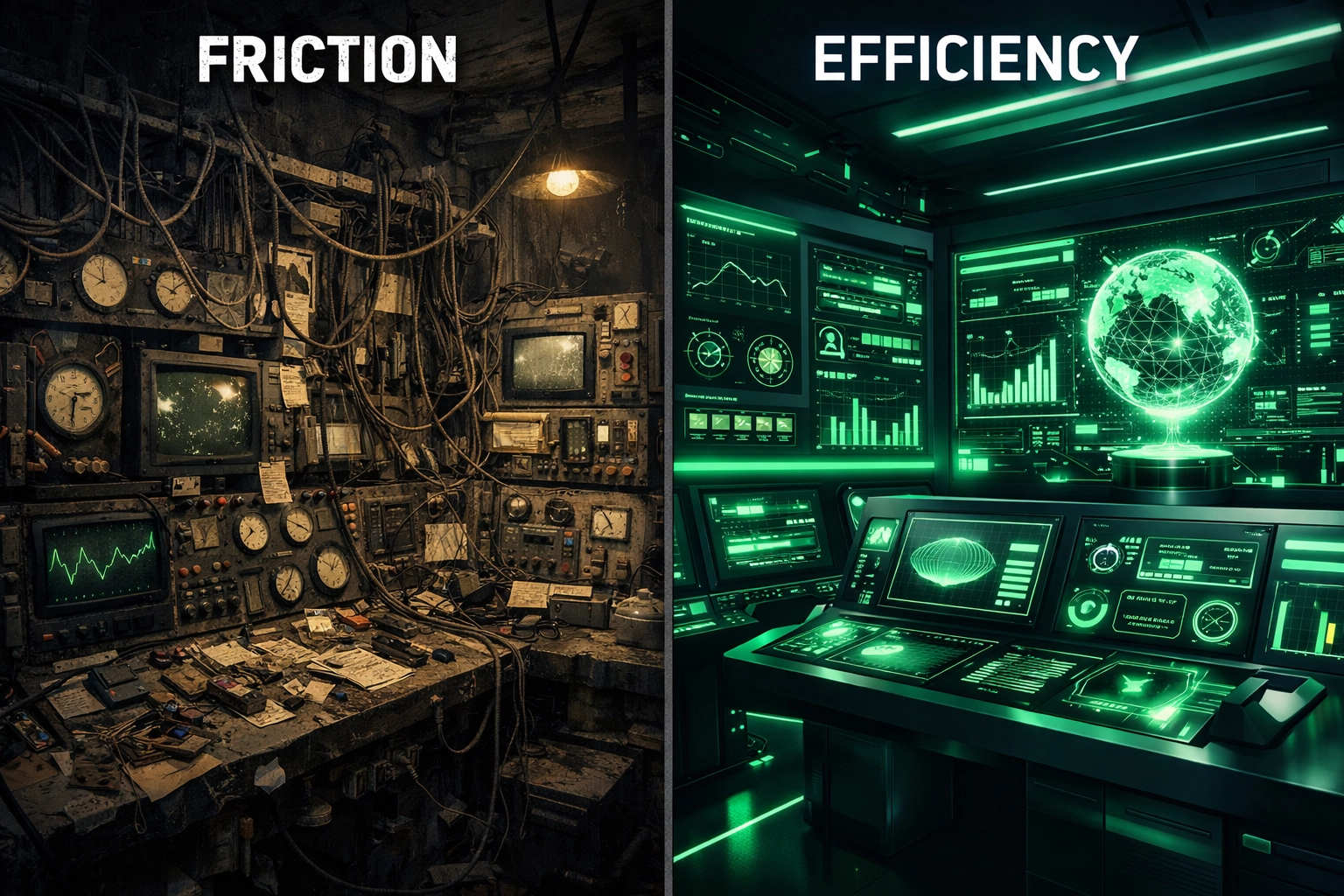
Most people fail because they focus on "the look." They spend 12 months making pretty dashboards for fake music players. To succeed, you must focus on the Technical Friction. Find a broken process: like filing taxes or managing a warehouse inventory: and design a solution that makes it 10% more efficient. Efficiency is what companies pay for in 2026.
12-Month Resource Checklist:
- Theory: The Design of Everyday Things by Don Norman.
- Logic: Don't Make Me Think by Steve Krug.
- Tools: Figma (Free version is enough to start).
- Community: Join the ADPList for free mentorship from senior designers.
- Certification: While you are self-taught, getting a Google UX Design Professional Certificate or an Interaction Design Foundation (IxDF) membership provides the "academic" weight your resume might need for ATS (Applicant Tracking Systems).
Becoming a designer is a marathon, not a sprint. By following this technical, high-rigor roadmap, you aren't just learning a tool: you are learning how to think like an engineer and feel like a user.
About the Author: Malibongwe Gcwabaza
Malibongwe Gcwabaza is the CEO of blog and youtube and a seasoned strategist in the digital education space. With over a decade of experience navigating the intersection of technology and career development, Malibongwe focuses on empowering self-taught professionals to bridge the gap between amateur learning and corporate excellence. His insights on "Agentic Design" and the future of work have helped thousands of students transition into high-paying tech roles by focusing on technical depth and original problem-solving.
About the Author