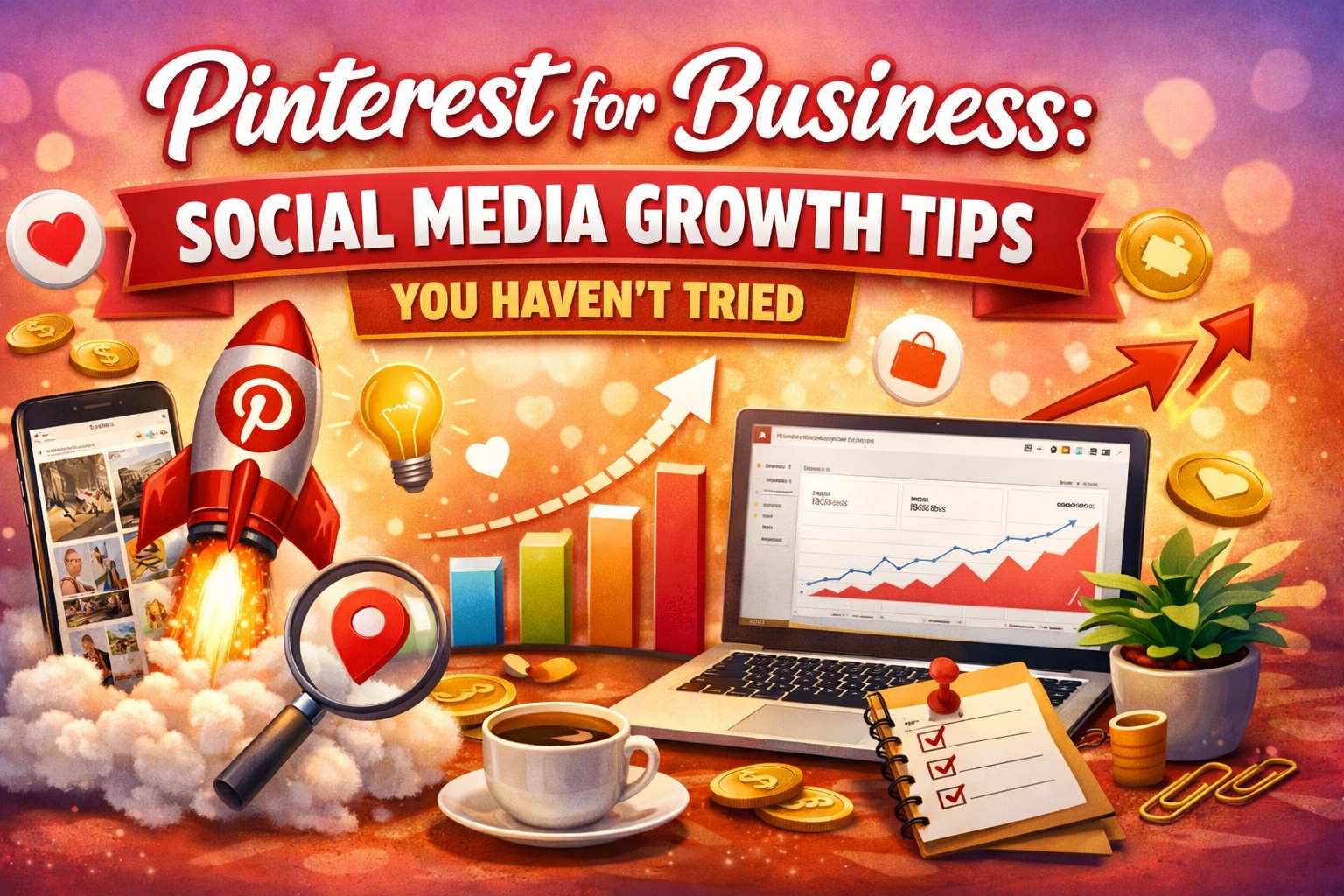
If you’re treating Pinterest like Instagram, you’re leaving money on the table.
Most business owners lump Pinterest into the "social media" bucket, alongside Facebook, X, and TikTok. They post a graphic, wait for the likes to roll in, and when nothing happens after 24 hours, they give up. But here’s the reality: Pinterest isn't a social media platform. It’s a visual search engine.
When you understand that distinction, your perspective on social media growth tips changes completely. On Instagram, your post has a shelf life of about 24 hours. On Pinterest, a high-quality Pin can drive traffic to your website for months: or even years: after you hit publish.
In this deep dive, we’re going to look at the advanced Pinterest strategies that are actually moving the needle in 2026. We’re moving past "post pretty pictures" and getting into the technical, SEO-driven heart of the platform.
1. The Mindset Shift: Visual Search Over Social Feeds
Stop trying to get "followers." On Pinterest, followers are a vanity metric. What you actually want is reach and saves.
Because Pinterest functions like Google, users go there with "intent." They aren't just scrolling to kill time; they are looking for a solution, a product, or inspiration for a project. Whether they are planning a wedding, looking for coding tutorials, or trying to figure out how to scale a SaaS company, they are searching for keywords.
To win, you need to optimize every single element for the Pinterest algorithm (the "Smart Feed"). This means your profile, your board titles, your board descriptions, and your Pin descriptions all need to be keyword-rich.
The Power of Evergreen Traffic
The average half-life of a Pin is about 3.5 months. Compare that to 24 minutes for a tweet or 90 minutes for a Facebook post. If you create a Pin today that solves a specific problem, that Pin will continue to surface in search results as long as people are searching for that problem. This is the ultimate "work once, get paid forever" strategy for content marketing.

2. Advanced Keyword Research: The "Autofill" Secret
Most people guess what their audience is searching for. You don't have to guess. Pinterest tells you exactly what people want.
Go to the Pinterest search bar and type in a broad term related to your business (e.g., "digital marketing"). Before you hit enter, look at the suggestions Pinterest drops down. Those are the most searched terms.
Pro Tip: Take it a step further. Hit enter on that broad term, and look at the colored bubbles that appear at the top of the search results. These are "Guided Search" terms. They represent the specific ways users narrow down their search.
| Broad Term | Guided Search Suggestions (Keywords to Use) |
|---|---|
| SEO Tips | For Beginners, Small Business, Local, Content Marketing |
| Productivity | Home Office, Daily Routine, Digital Tools, ADHD |
| Web Design | Minimalist, Dark Mode, Portfolio, UX/UI |
Create a dynamic keyword list. Don't just do this once. In 2026, trends move fast. Re-evaluate your keywords every quarter to see if new terms are popping up in your niche.
3. Idea Pins: The Engagement Engine of 2026
If you want fast growth, you need to embrace Idea Pins. Think of these as Pinterest’s answer to Stories or TikToks, but with a twist: they don't disappear, and they are searchable.
Idea Pins are currently given massive priority in the algorithm. They are designed to keep users on the platform, which Pinterest loves. However, the mistake most businesses make is not including a "Call to Action" (CTA). Since you can't include a direct link on every page of an Idea Pin (like you can with a Standard Pin), you have to be clever.
How to Structure a Winning Idea Pin:
- The Hook: Start with a video or a high-energy graphic that states the problem.
- The Value: 3-5 slides of actual, actionable tips. Don't hold back the "how-to."
- The CTA: The final slide should tell them exactly what to do next: visit your profile, check the link in your bio, or save the Pin for later.
By focusing on Idea Pins, you’ll see your "Monthly Viewers" metric skyrocket, which builds authority for your profile and helps your Standard (linkable) Pins perform better.
4. Board Hierarchy and Seasonal Planning
Your Pinterest profile should look like a well-organized library. If I walk into a library looking for books on "Growth Hacking," I don't want to find them mixed in with "Vegan Recipes."
The "Board Health" Audit
Look at your boards right now. Are the titles catchy? Change them. They should be literal. Instead of "Cool Marketing Stuff," name it "Social Media Growth Tips for Small Businesses."
- Archive irrelevant boards: If you used your business account to plan your home renovation three years ago, archive those boards. They are confusing the algorithm about what your "niche" is.
- Board Descriptions: Most people leave these blank. Don't. Write a 200-word description for every board, packed with the keywords you found in Step 2.
Seasonal Timing (The 45-Day Rule)
Pinterest users are planners. They start searching for Christmas ideas in September. They start searching for "Summer Fitness" in February. To capture this traffic, you need to publish your seasonal content at least 45 days before the holiday or event. If you wait until the week of the event, you’ve already missed the wave.

5. Technical Optimization: Rich Pins
If you haven't enabled Rich Pins yet, stop reading and go do it. Rich Pins pull metadata directly from your website to provide more information on the Pin itself.
There are three main types of Rich Pins:
- Article Pins: Automatically show the headline, author, and story description. This makes your blog posts look way more professional and increases click-through rates.
- Product Pins: Show real-time pricing, availability, and where to buy. If you run an e-commerce store, this is non-negotiable.
- Recipe Pins: Show ingredients, cooking time, and serving sizes.
Rich Pins signal to Pinterest that you are a verified, high-quality content creator. This builds trust with the algorithm, meaning your content is more likely to be suggested to users who don't follow you yet.
6. Batching and Templates: The CEO’s Time-Saver
As a CEO or business owner, you don't have time to spend three hours a day on Pinterest. The secret to social media growth tips that actually work is sustainability.
You need to create a system.
- Design 10-15 Templates: Use a tool like Canva to create a set of branded templates. You should have templates for "Listicles," "How-to Guides," "Product Showcases," and "Quote Blocks."
- The Weekly Batch: Spend one hour a week dropping your new blog titles and photos into these templates.
- Scheduling: Use a tool like Tailwind or Pinterest's native scheduler to line up your Pins for the week. Aim for 3-5 Pins per day. Consistency is more important than quantity. You’re better off pinning 3 times a day every day than pinning 30 things on a Sunday and nothing for the rest of the week.
7. Capturing Gen Z: The New Pinterest Power User
In 2026, Gen Z is the fastest-growing demographic on the platform. They use Pinterest differently than Millennials did. While Millennials used it for "aspirational" dreaming, Gen Z uses it for "authentic" discovery and "aesthetic" curation.
To appeal to this crowd, your visuals need to feel less like "stock photos" and more like "real life."
- Use grainy textures, lo-fi video, and "behind the scenes" content.
- Focus on values. Gen Z cares about sustainability, ethics, and brand story. Use your Pin descriptions to talk about the why behind your business, not just the what.
- Repurpose your TikToks and Reels. Pinterest users love short-form video content that feels personal and unpolished.

8. Analyzing the Right Metrics
Don't get distracted by "Monthly Viewers." It’s a vanity metric that counts anyone who saw your Pin in their feed, even if they scrolled past it in half a second.
Instead, focus on:
- Outbound Clicks: This tells you if your content is actually driving traffic to your site.
- Saves (Repins): This is the ultimate signal of quality. If someone saves your Pin, they are telling Pinterest, "This is valuable." This is what triggers the viral loop.
- Pin Type Performance: Are your video Pins getting more saves, or are your standard blog post Pins driving more clicks? Use this data to pivot your strategy every month.
Summary: Your Pinterest Action Plan
Pinterest is the long game. You won't see a 1000% increase in traffic overnight, but if you follow these steps, you will see a compounding effect that becomes a massive traffic driver for your business by this time next year.
- Week 1: Enable Rich Pins and clean up your boards.
- Week 2: Perform deep keyword research and update your board descriptions.
- Week 3: Create your templates and start batch-pinning 3-5 times a day.
- Week 4: Experiment with your first set of Idea Pins to boost your reach.
Stop thinking of Pinterest as an afterthought. Start thinking of it as the visual front door to your business.
About the Author: Malibongwe Gcwabaza
Malibongwe Gcwabaza is the CEO of LearnRise, a platform dedicated to helping entrepreneurs and professionals master the digital landscape. With a focus on sustainable growth and data-driven marketing, Malibongwe simplifies complex strategies to help small businesses compete at a global scale. When he’s not dissecting search algorithms, he’s exploring the intersection of AI and human creativity.
About the Author