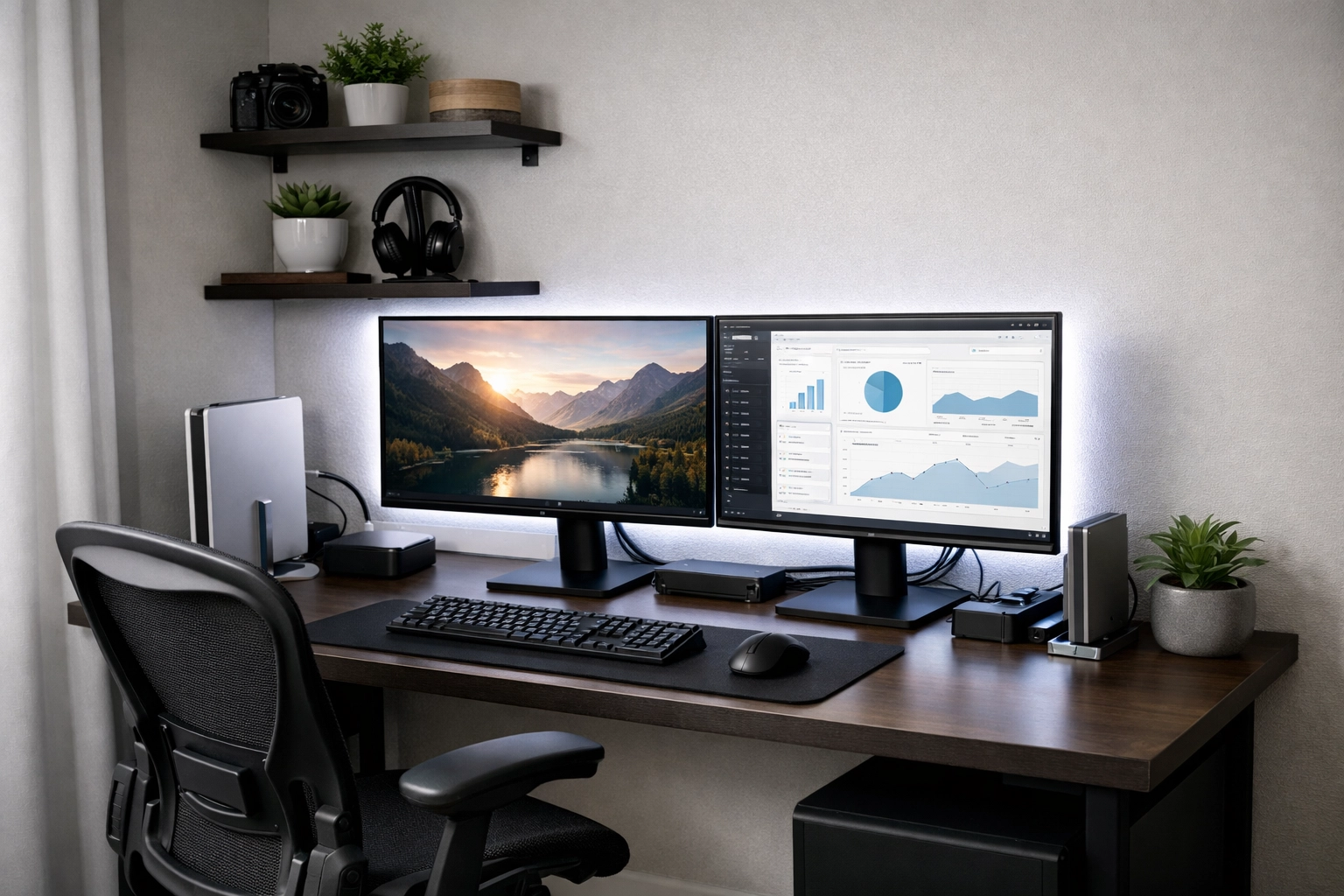
It is 2026, and the "temporary" desk setup you threw together a few years ago probably isn't cutting it anymore. Online learning has evolved from simple Zoom calls to high-bandwidth, immersive experiences involving AI-integrated study tools, virtual labs, and collaborative digital whiteboards. If you’re still trying to master a complex subject while hunched over a kitchen table, you’re fighting an uphill battle against your own biology.
As someone who spends a lot of time looking at how we work and learn digitally, I’ve seen that the difference between a "struggling" student and a "high-performing" one often comes down to their environment. Your brain is highly sensitive to context. If you study in the same place you eat or sleep, your focus will naturally drift.
Let’s build a setup that doesn't just look good for social media, but actually helps you retain information and avoid burnout.
1. The Psychology of "The Zone"
Before we talk about hardware, we have to talk about space. In 2026, the lines between home and "school" are thinner than ever. To fix this, you need a dedicated zone.
If you have a spare room, great. If you live in a studio apartment, you need to use visual cues to tell your brain, "We are learning now." This could be as simple as a specific desk lamp that you only turn on when you’re studying, or a foldable screen that hides your bed from view.
Location Matters
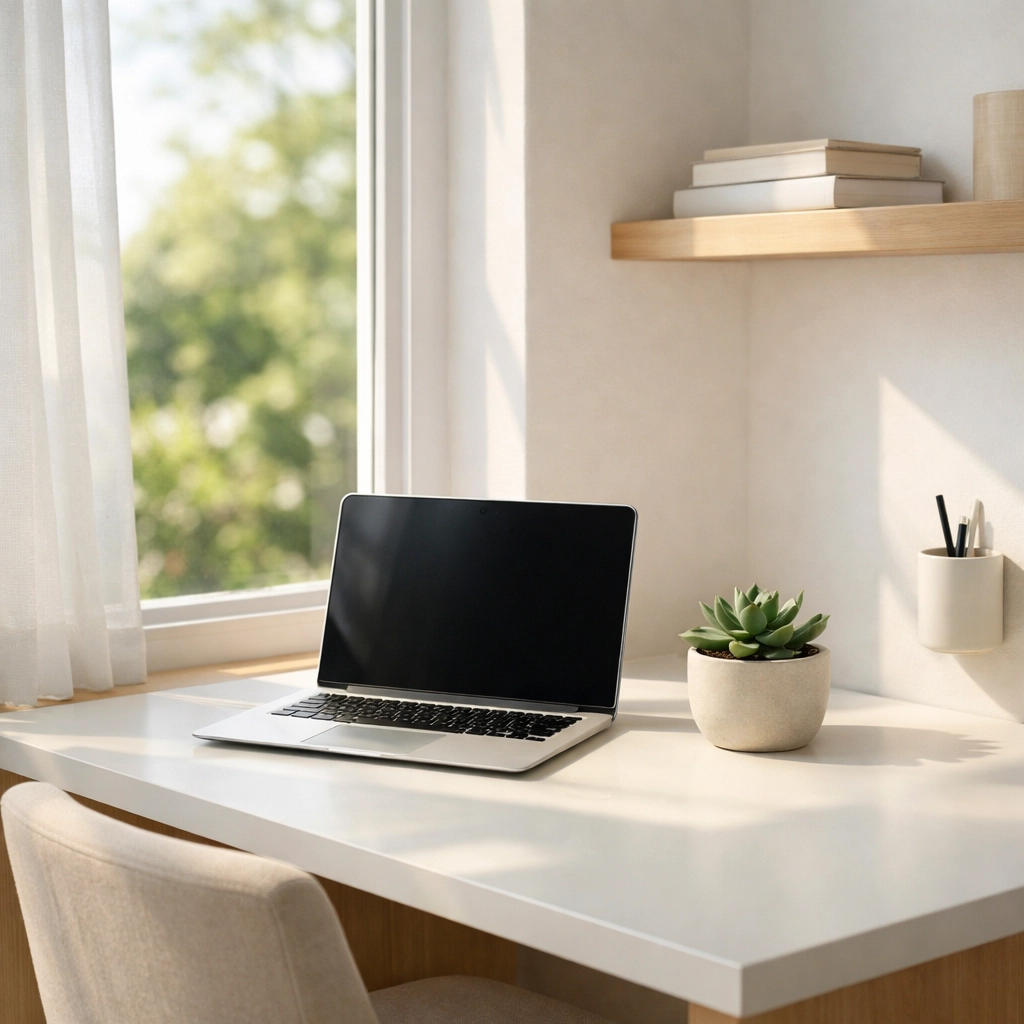
Avoid high-traffic areas. The kitchen might seem convenient for snacks, but the sound of the refrigerator cycling or someone making coffee is a focus-killer. If possible, set up near a window. Natural light is a massive driver of the circadian rhythm, which keeps you alert during the day and helps you sleep after a long study session.
2. Ergonomics: Your Future Self Will Thank You
You might feel fine sitting on a wooden dining chair for an hour, but online learning usually involves deep-work blocks of three to four hours. By the second hour, your lower back starts to ache, and by the third, your focus is gone because you’re constantly shifting positions.
The Chair
Invest in an ergonomic chair with adjustable lumbar support. In 2026, we’re seeing a shift toward "active sitting" chairs that allow for micro-movements, keeping your core engaged and preventing that mid-afternoon lethargy. If a high-end office chair isn't in the budget, a simple lumbar roll or even a firm pillow can make a massive difference.
The Desk Height
The "ideal" desk height is one where your elbows are at a 90-degree angle when typing. If your desk is too high, your shoulders will shrug up, leading to neck tension and headaches. This is why standing desks: or at least desk converters: have become the standard. Alternating between sitting and standing every 45 minutes keeps your blood flowing and your brain oxygenated.
3. The "Two-Screen" Command Center
If you are still trying to toggle between a video lecture, a digital textbook, and a note-taking app on a single 13-inch laptop screen, you are wasting cognitive energy. Every time you "Alt-Tab," your brain takes a few seconds to reorient. This is known as context-switching cost.
Why a Second Monitor is Non-Negotiable
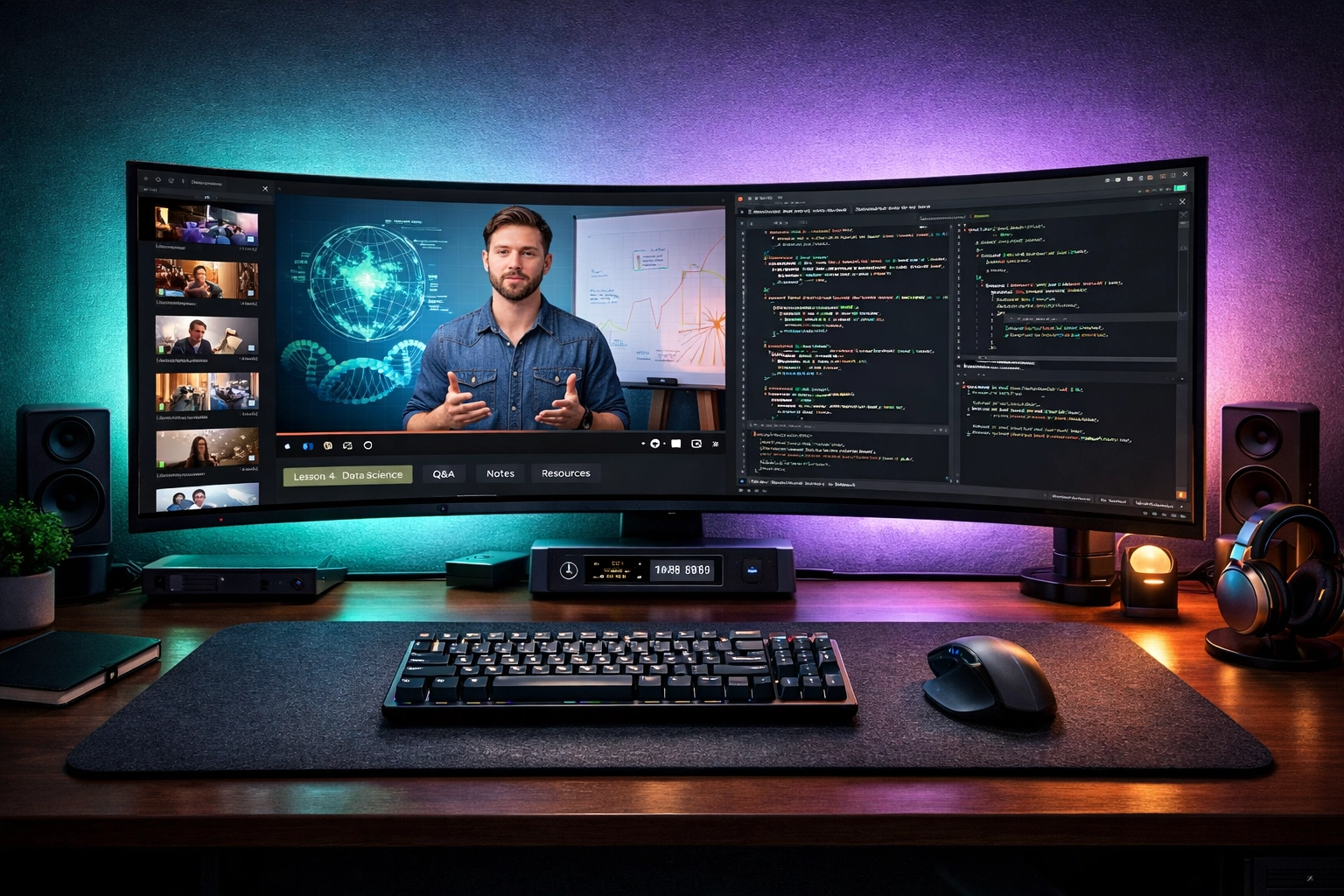
In 2026, an ultrawide monitor or a dual-monitor setup is the baseline for productive learning.
- Screen 1: Your primary focus (the lecture or the coding environment).
- Screen 2: Your secondary resources (PDFs, research papers, or AI-tutor chat).
This layout allows you to maintain "flow." You can glance over at a diagram without losing your place in the lecture. If you're on a budget, even a cheap 24-inch monitor or using a tablet as a sidecar display will boost your productivity by an estimated 20-30%.
4. Lighting and Eye Health
Digital eye strain is the silent enemy of the online learner. We’ve all felt that "sand in the eyes" feeling after a day of staring at screens.
The Three-Layer Lighting Rule
- Ambient Light: General overhead lighting that isn't too harsh.
- Task Lighting: A dedicated desk lamp. Look for one with adjustable color temperatures. Use "cool white" (5000K) for focused morning work and "warm yellow" (2700K) for evening review sessions to protect your sleep cycle.
- Accent/Bias Lighting: Placing an LED strip behind your monitor. This reduces the contrast between the bright screen and the dark wall behind it, significantly lowering eye fatigue.
The 20-20-20 Rule
Every 20 minutes, look at something 20 feet away for 20 seconds. It sounds simple, but it’s the most effective way to prevent your eye muscles from locking up.
5. High-Fidelity Audio and Noise Management
Online learning in 2026 is interactive. You aren't just listening; you’re participating in breakout rooms and AI-driven simulations.
The Mic and Headphone Combo
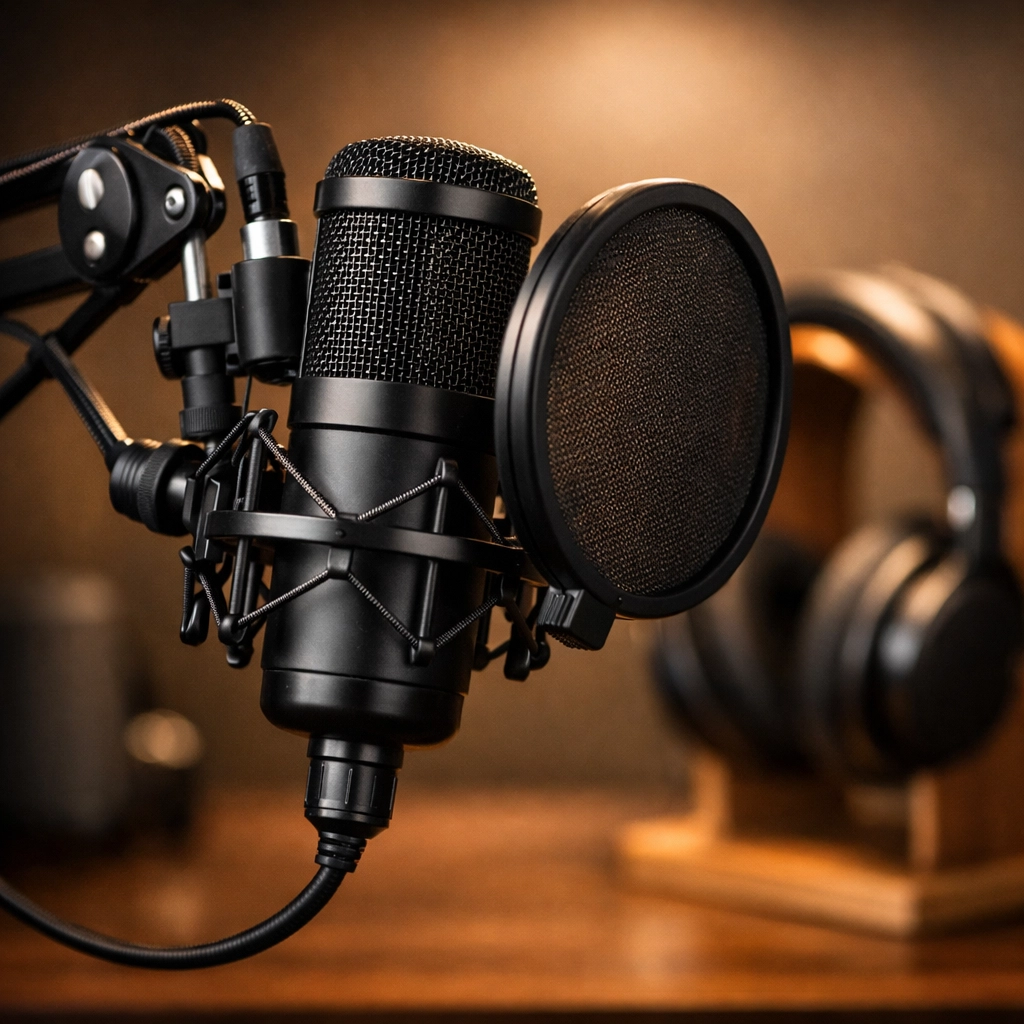
Don't rely on your laptop's built-in microphone. It picks up every keyboard click and distant dog bark. A simple USB condenser microphone or a high-quality headset makes you sound professional and ensures your peers and instructors can hear you clearly during presentations.
Soundscapes
If your environment is noisy, noise-canceling headphones are a lifesaver. However, don't just sit in silence. Many students find that "Brown Noise" or "Lo-Fi" beats help mask erratic background sounds (like a neighbor’s lawnmower) better than total silence.
6. Organization: Analog Meets Digital
Even though the learning is online, the physical clutter on your desk affects your mental clarity. A cluttered desk is a cluttered mind.
Keep the "Essentials" in Reach
- A Whiteboard: Great for sketching out concepts or mapping out your weekly schedule. Seeing your "To-Do" list in the physical world makes it feel more real than a digital notification.
- The "No-Phone" Zone: Physical distance is the only way to beat smartphone distraction. Use a dedicated charging station across the room.
- Minimalist Stationery: Keep a notepad and a high-quality pen. Writing by hand has been scientifically proven to improve memory retention compared to typing.
| Item | Purpose | Priority |
|---|---|---|
| Ergonomic Chair | Posture & Focus | High |
| Second Monitor | Productivity/Multitasking | High |
| Noise-Canceling Headphones | Focus in noisy areas | Medium |
| Standing Desk | Physical Health | Medium |
| Desk Lamp (Adjustable) | Eye Health | High |
7. The 2026 "Smart" Additions
Since we are looking at the current landscape, consider a few modern upgrades that actually add value:
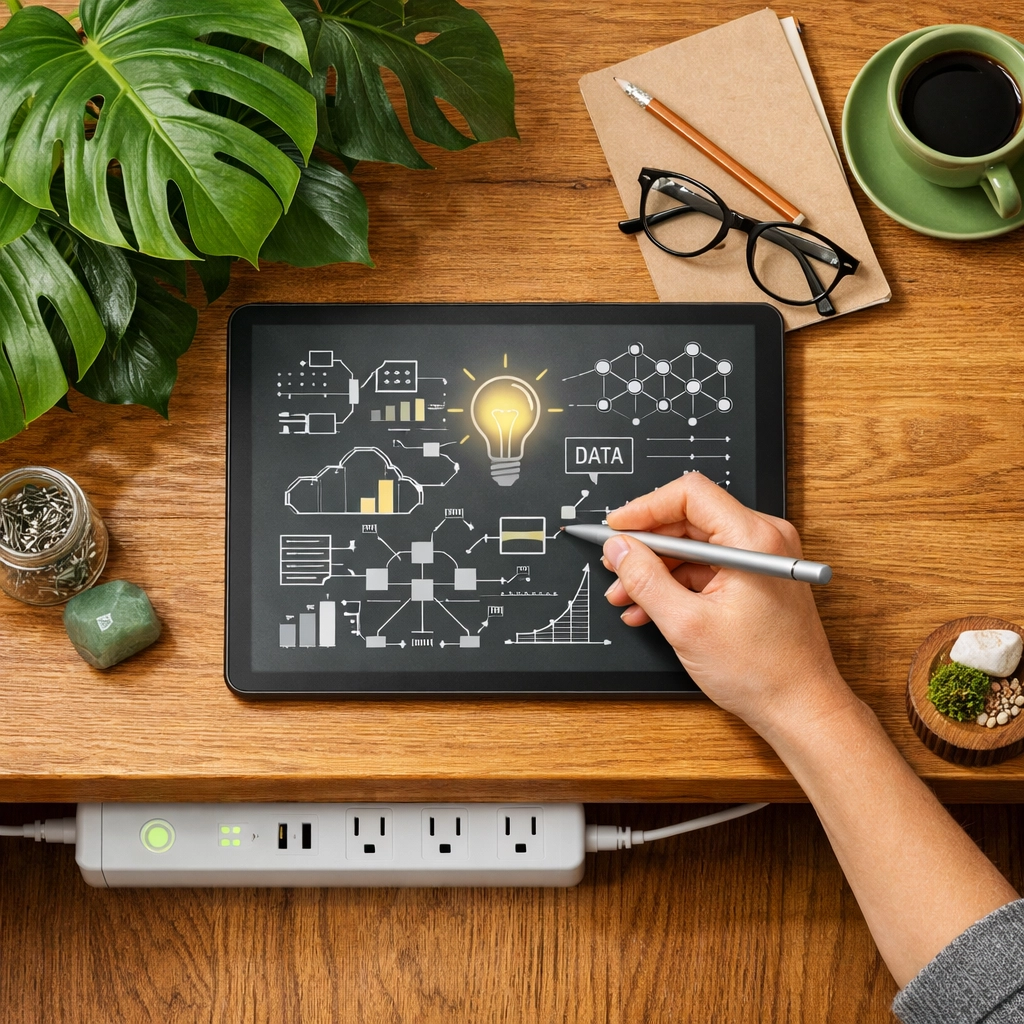
- AI-Integrated Note-taking: Using a dedicated tablet with a stylus (like a ReMarkable or an iPad) that syncs your handwritten notes directly to your cloud storage.
- Smart Power Strips: To manage the energy of your monitors, laptop, and lights, automatically turning off peripherals when your computer goes to sleep.
- Plants: It sounds cliché, but a bit of greenery (even a low-maintenance snake plant) improves air quality and has been shown to reduce stress levels during exams.
Summary: Building Your Fortress of Solitude
The ultimate home office isn't about buying the most expensive gear; it’s about removing friction. Every cord you have to untangle, every time you have to squint at a small screen, and every time you have to adjust an uncomfortable chair, you are leaking mental energy.
Start with the basics: a quiet spot, a decent chair, and a second screen. Once those are in place, you’ll find that "getting into the flow" happens naturally, rather than being something you have to force.
Online learning is a marathon, not a sprint. Set up your space so you can go the distance.
About the Author: Malibongwe Gcwabaza
Malibongwe Gcwabaza is the CEO of blog and youtube, a platform dedicated to simplifying the digital world for creators and learners. With over a decade of experience in digital infrastructure and remote work strategy, Malibongwe focuses on making high-level productivity accessible to everyone. When he’s not optimizing workflows, he’s exploring the latest in educational technology and AI.
About the Author